Installing the Kid app
Download and install AlvaKids (the SafeKids360 child app) on your child's phone in under 2 minutes.
Updated: 2026-04-15
Before you start
You need:
- The child's phone, unlocked.
- A working internet connection on the child's phone.
- A few minutes of physical access to the device.
1. Open Google Play
Open Google Play on the child's Android phone.
2. Search for "AlvaKids"
Search for AlvaKids (the SafeKids360 child app). Tap Install. The app is free.
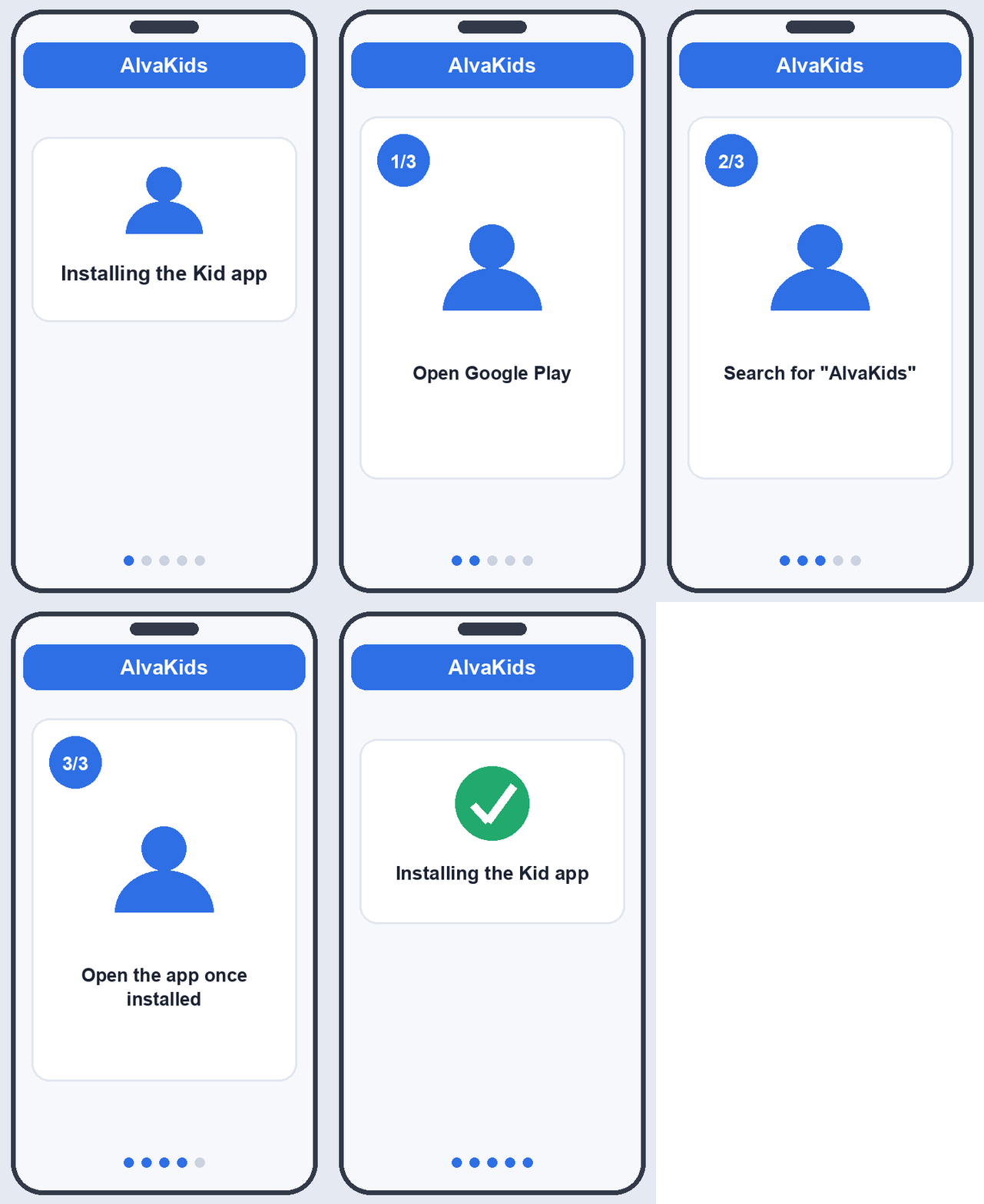
3. Open the app once installed
Tap Open. You'll see a welcome screen and a button labeled I have a pairing code.
Don't have a code yet? Open the parent app on your phone, tap Add child, and the 6-digit code will appear there.
What's next
Continue to Pairing with the parent device.